Website powered by

CGMA - Stylized 3D Asset Creation for Games Course

General / 24 October 2018

I've recently started on the CGMA - Stylized 3D Asset Creation for Games course.

This 10-week course is taught by Kevin Griffith, who has worked on World of Warcraft, Starcraft II, Diablo III and others.
See below for some of the assignment examples that will be taught during the course:


Week 1 | Introduction to Stylized Art

Relevant games | Artist/influencers | What makes an asset stylized | The box: introduction to texture painting

Week 2 | Introduction to 2.5 D

Relevance | What games use 2.5 D | How it is used | 2.5D exterior scene: gather reference, block out scene, material painting demo: rocks

Week 3 | Introduction to 2.5 D, Part 2: Terrain Blending

Examples of terrain blending | How it works | Vegetation painting demo: grass, dirt/soil | Blending in 2D for 3D

Week 4 | Introduction to 2.5 D, Part 3: Trees

Examples of 2.5D Trees | How it works | 2.5D tree painting demo

Week 5 | Stylized Interior Demo: Fantasy Tavern

Coming up with your own concept | Gather reference | Mix styles, references, ideas into 3D blockout | Implement 3D blockout into Marmoset | Concept a 2D painting over Marmoset Render

Week 6 | Stylized Interior Demo: Fantasy Tavern "Paint-to-Cam"

Paint-to-cam examples | How it works | Paint-to-cam demo | Intro to 3D Coat | Sketch in perspective | Floor painting demo in Photoshop | Clean in Krita

Week 7 | Stylized Interior Demo: Fantasy Tavern Prop Sets

How prop sets are constructed | Block in 3D models (Maya) | UV (3D Coat / Maya) | Texture re-use: how to set up UVs to paint texture set | Block in using 3D Coat | Finish in Photoshop

Week 8 | Stylized Sci-Fi Asset: Crafting the Stars

Create stylized assets for RTS camera view | Intro to RTS gameplay / camera angle / style | Asset references

Week 9 | How to Texture with ZBrush

Tile-able textures in ZBrush | Block in designs in 2D | Block model in Maya | Implement into ZBrush | Sculpting techniques: brushes, workflow; bake maps from Zbrush; retopo high- low-poly; texture clean-up in Photoshop

Week 10 | Stylized Asset Test

Three faction types / structure types | How it works | Gather reference | How to concept / implement assets quickly | Block in model | Implement into Marmoset | Concept over asset blockout in Photoshop | UV in 3D Coat | Finalize texture in Photoshop

CG Spectrum Course - Update 08 - Modifying a Walk Cycle

General / 25 April 2018

CG Spectrum Course - Introduction to 3D Animation

Update 08 - Modifying a Walk Cycle

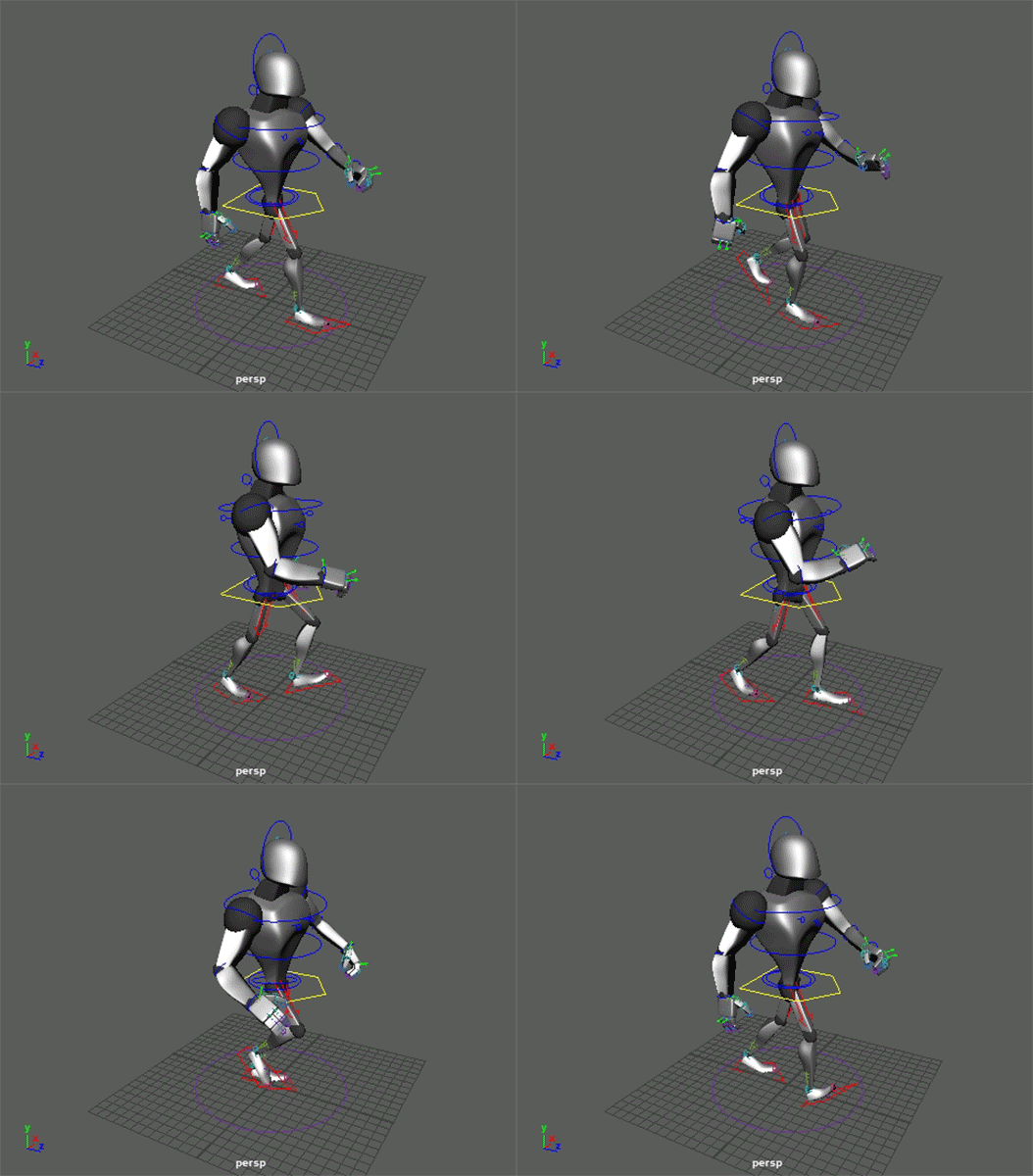
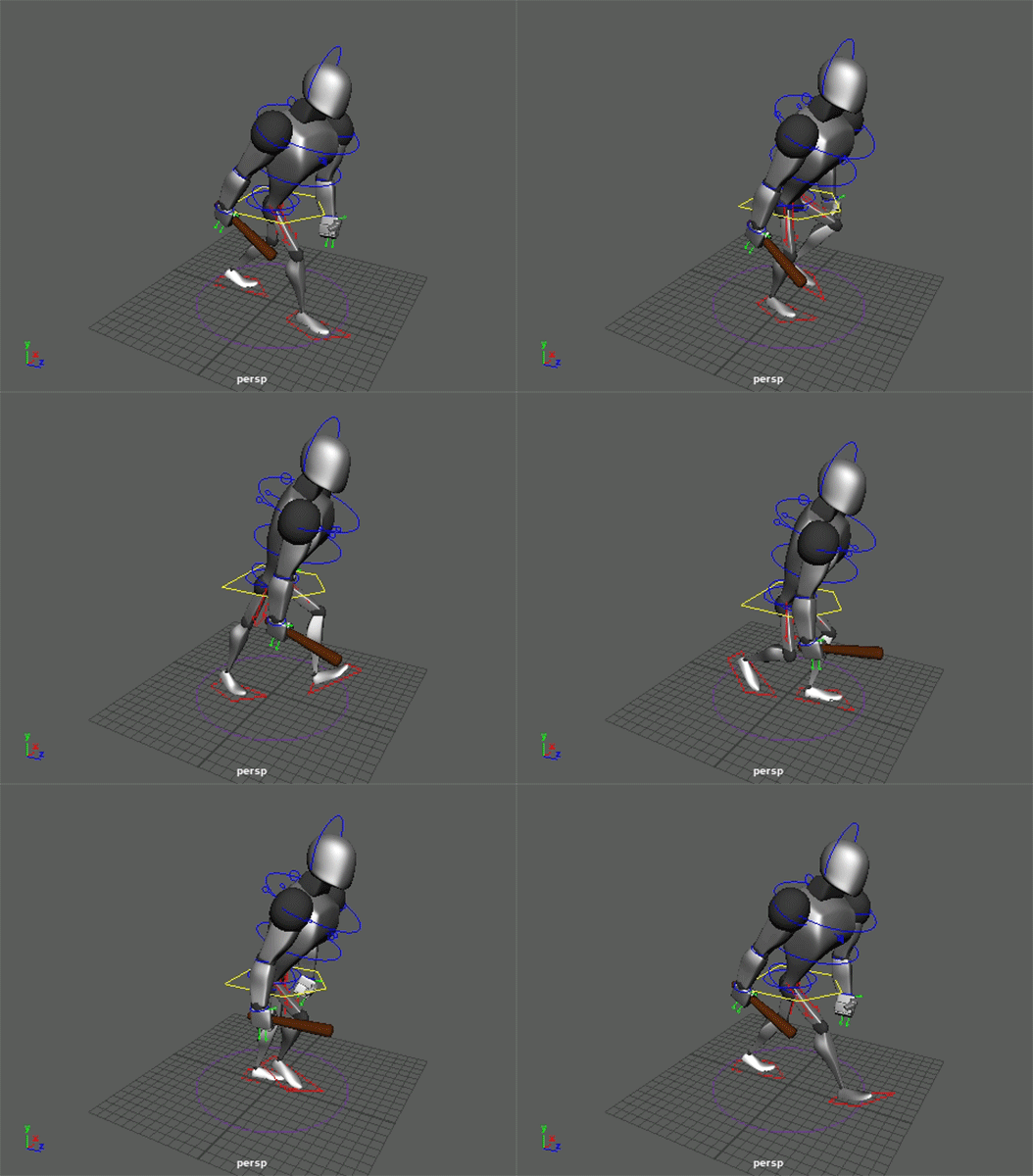
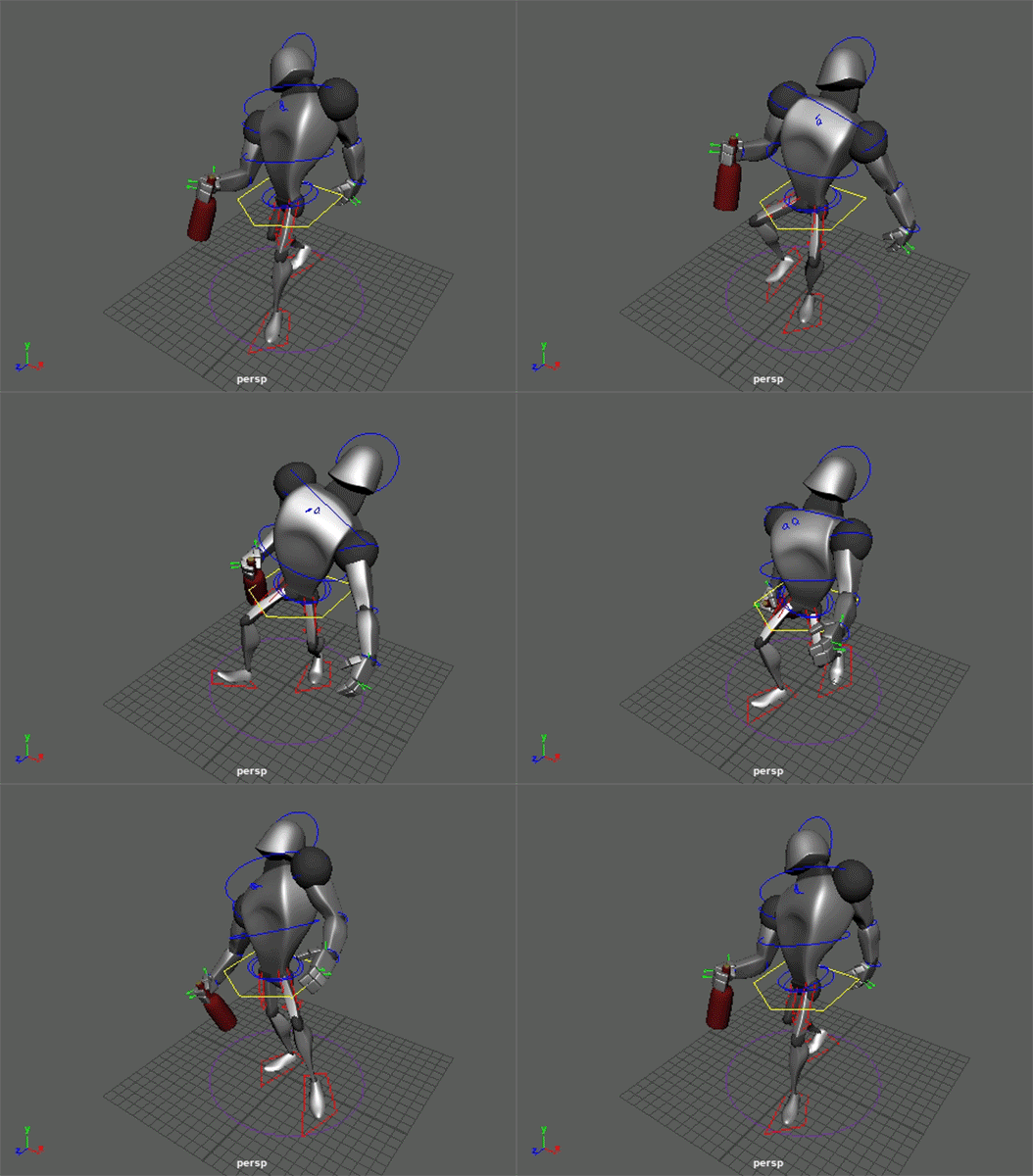
For this topic I had to animate a Modified Walk Cycle. I've chosen to create 3x Walk Cycles : Angry, Drunk and Hot Tea:


CG Spectrum Course - Update 07 - Full Body Walk Cycle

General / 21 April 2018

CG Spectrum Course - Introduction to 3D Animation

Update 07 - Full Body Walk Cycle

For this topic I had to animate a Walk Cycle and a Double Bounce Walk Cycle:


CG Spectrum Course - Update 06 - Lower Body Walk

General / 16 April 2018

CG Spectrum Course - Introduction to 3D Animation

Update 06 - Lower Body Walk

For this topic I had to animate a Lower Body Walk, and I've also added a Sneak Walk:


CG Spectrum Course - Update 05 - Flour Sack Jump

General / 16 April 2018

CG Spectrum Course - Introduction to 3D Animation

Update 05 - Flour Sack Jump

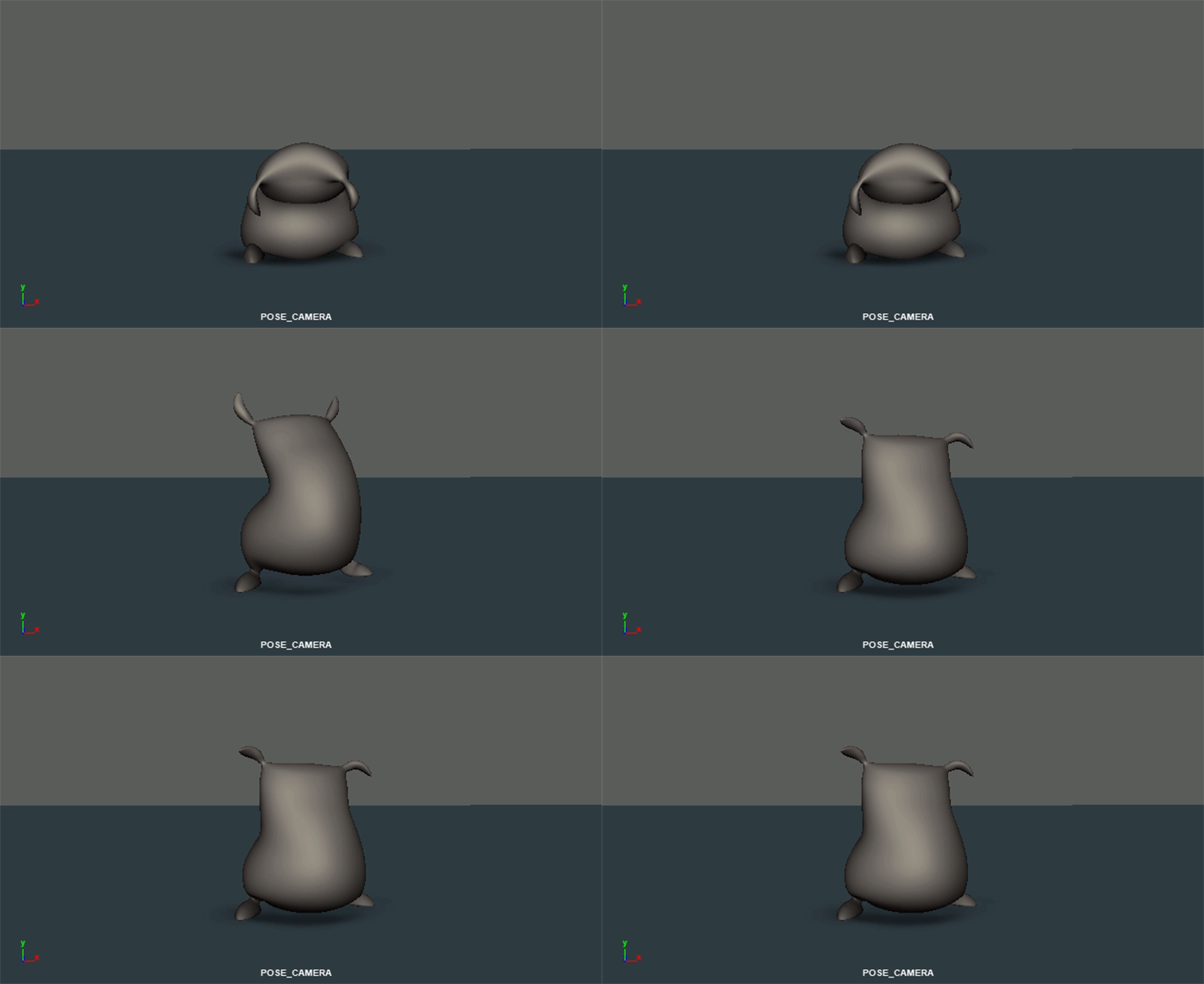
To practice all the topics that i've learned up until now, I had to animate a Jumping Flour Sack:


CG Spectrum Course - Update 04 - Pose Transitions

General / 16 April 2018

CG Spectrum Course - Introduction to 3D Animation

Update 04 - Pose Transitions

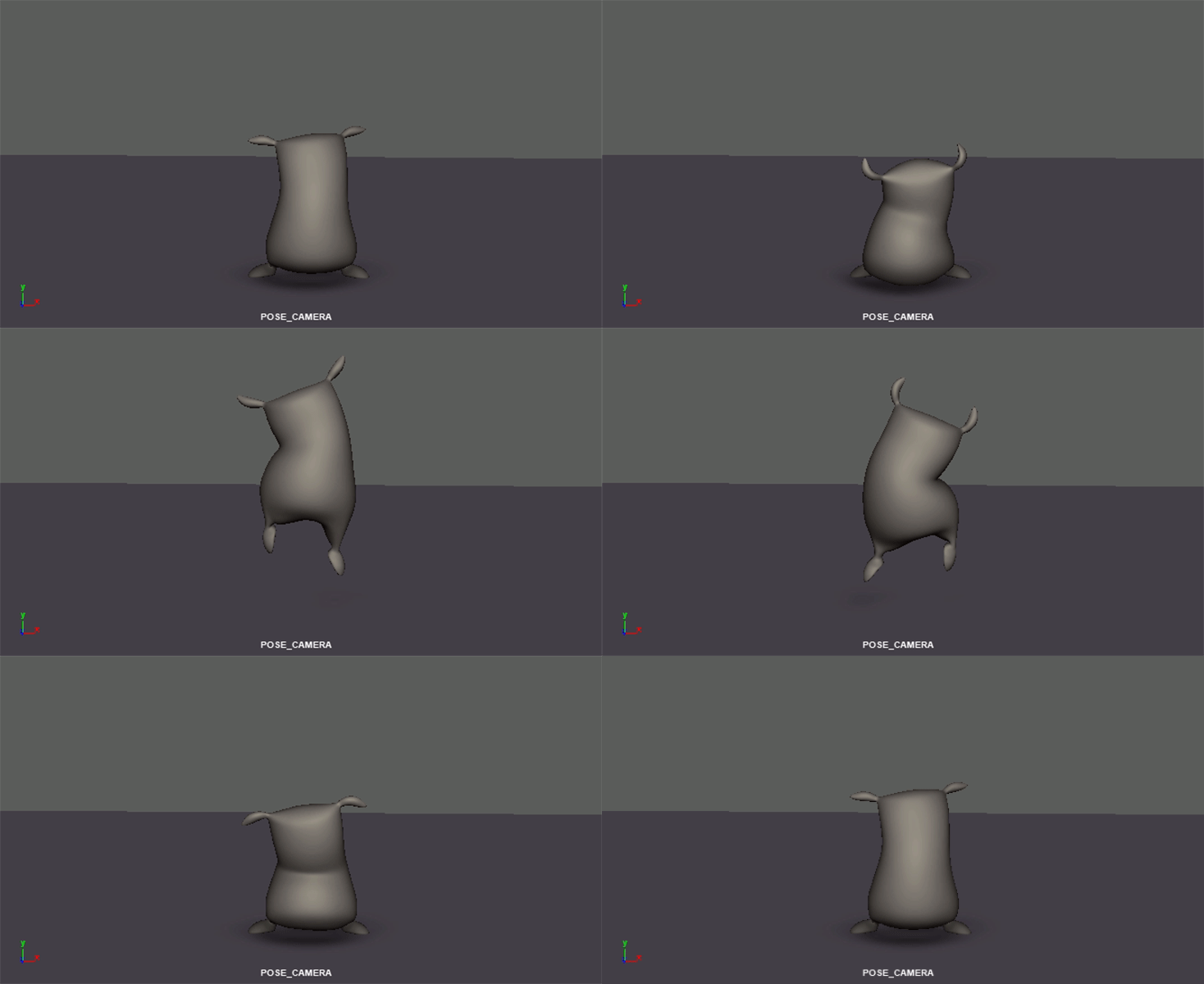
To practice 'Pose Transitions' I had to animate a Flour Sack transitioning from a Sad pose to a Happy pose:


CG Spectrum Course - Update 03 - Overlap and Followthrough

General / 16 April 2018

CG Spectrum Course - Introduction to 3D Animation

Update 03 - Overlap and Followthrough

To practice 'Overlap and Followthrough' I had to animate a chain:


CG Spectrum Course - Update 02 - Anticipation, Squash and Stretch

General / 16 April 2018

CG Spectrum Course - Introduction to 3D Animation

Update 02 - Anticipation, Squash and Stretch

To practice 'Anticipation, Squash and Stretch' I had to animate a ball jumping over a wall:


CG Spectrum Course - Update 01 - Timing and Spacing

General / 16 April 2018

CG Spectrum Course - Introduction to 3D Animation

Update 01 - Timing and Spacing:

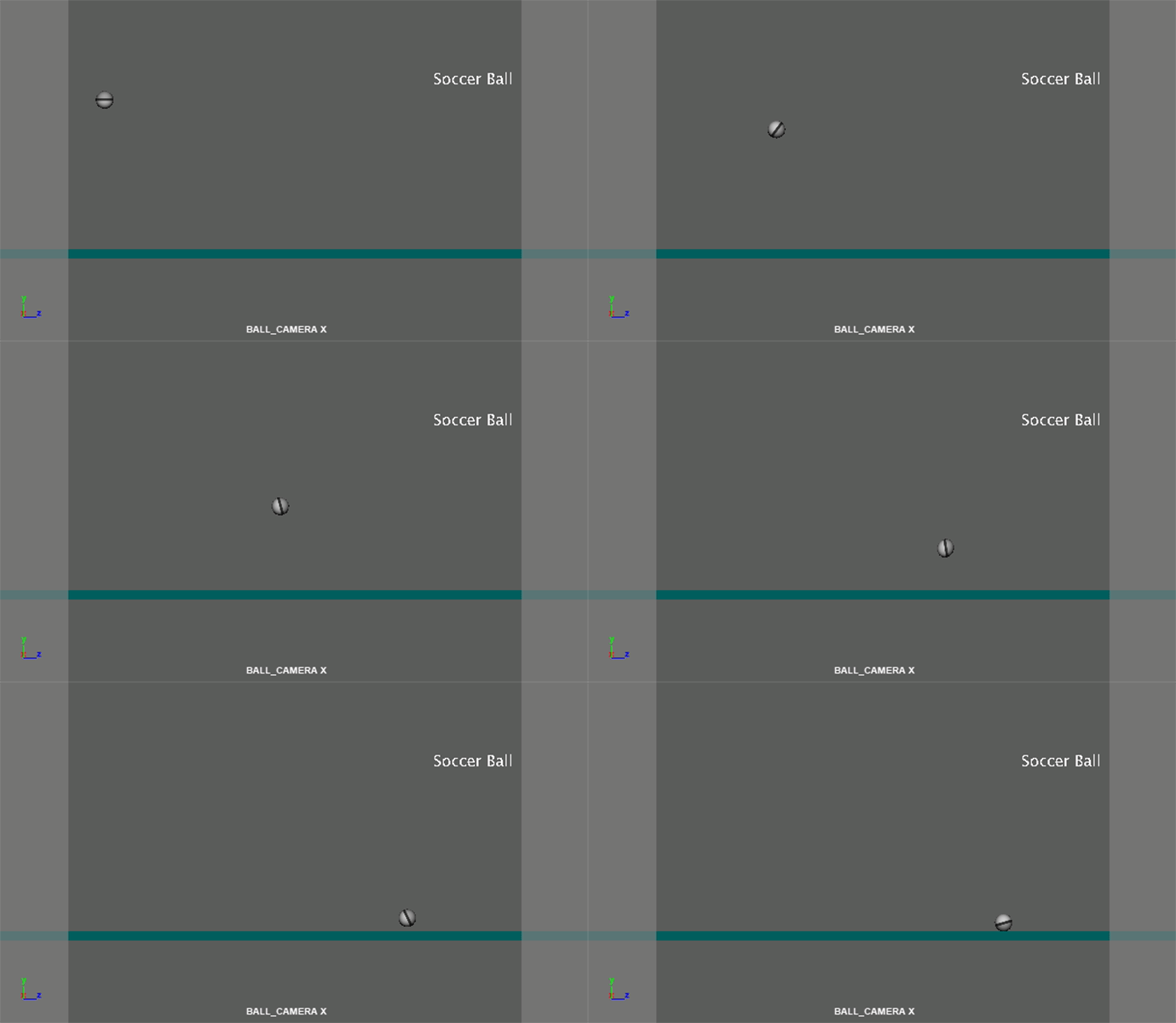
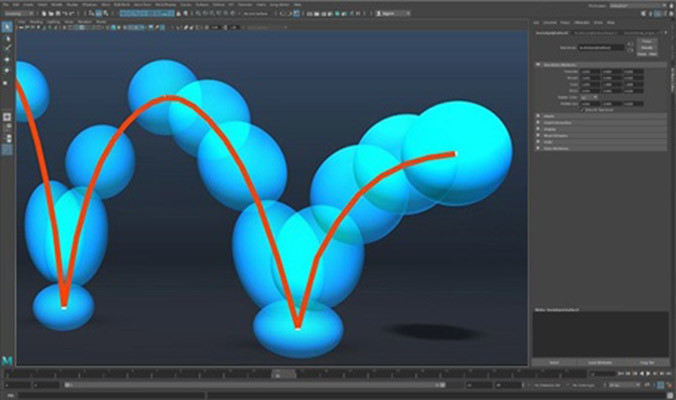
To practice 'Timing and Spacing' I had to animate several different balls:


CG Spectrum Course : Introduction to 3D Animation

General / 12 February 2018

Starting March 5th 2018 I will be using my blog to place updates about CG Spectrum's online 'Introduction to 3D Animation' course which I will be following for 4 months.

These are the topics that will be given:

INTRODUCTION TO 3D ANIMATION CURRICULUM


3D ANIMATION BASICS
WEEK 01 - 04

The Introduction to 3D Animation Course is designed to strengthen your foundation skills and provide a pathway to the Advanced 3D Animation Diploma by mastering the basics of 3D animation. First, you'll learn everything from navigating Maya, the industry standard software package to all the common tools that the pros use.

TOPICS COVERED

Introduction to 3D animation

Introduction to rigs

Posing characters

Timing and spacing


PHYSICAL ANIMATION
WEEK 05-08

Once you've gotten comfortable with the basics you'll move on to some more advanced animation techniques including the 12 principals of animation and how to get a character moving in a believable way. Students will start to better understand physical animation, locomotion and start using more complicated animation rigs.

TOPICS COVERED

Squash and stretch

Overlap and follow through

Pose transitions

Character jump


ANIMATED WALK CYCLE
WEEK 09- 12

Before you can run you have to learn how to walk! One of the best ways to master the fundamentals of character animation is by animating a walk with a full character rig. Students will incorporate previously learned principals and techniques to bring a character to life and get them moving across the screen.

TOPICS COVERED

Lower Body Walk

Upper Body Walk


PORTFOLIO PROJECT
WEEK 13 - 16

Guided by their mentor, students will now bring their very own idea to life by planning out a scene and completing a final project for their portfolio. Upon completion of the Introduction to 3D Animation, students can choose to continue to the Advanced 3D Animation course and take their skills even further. 

TOPICS COVERED

Planning and staging

Final portfolio project